How to Start an Online Store in Pakistan in 2026 — A Step-by-Step Guide
Thinking about selling online? This guide walks Pakistani entrepreneurs through everything from registering a business to launching a store on Solvraze.
May 12, 2026
E-commerce in Pakistan is growing fast. With smartphone penetration rising and digital payments becoming mainstream, there has never been a better time to launch your own online store. Whether you sell fashion, electronics, handmade crafts, or groceries, getting started is simpler than you think.
Step 1 — Pick Your Niche
Before you open a store, decide exactly what you are going to sell. The most successful stores focus on a specific category rather than trying to compete with large general marketplaces. Popular niches in Pakistan include modest fashion, organic skincare, custom gifts, and mobile accessories.
Step 2 — Register Your Business
You do not need a registered company to start selling online, but it builds customer trust and simplifies tax compliance. Consider registering as a Sole Proprietor with your local Chamber of Commerce or filing with SECP if you plan to scale. You will also want a National Tax Number (NTN) from the Federal Board of Revenue.
Step 3 — Create Your Store on Solvraze
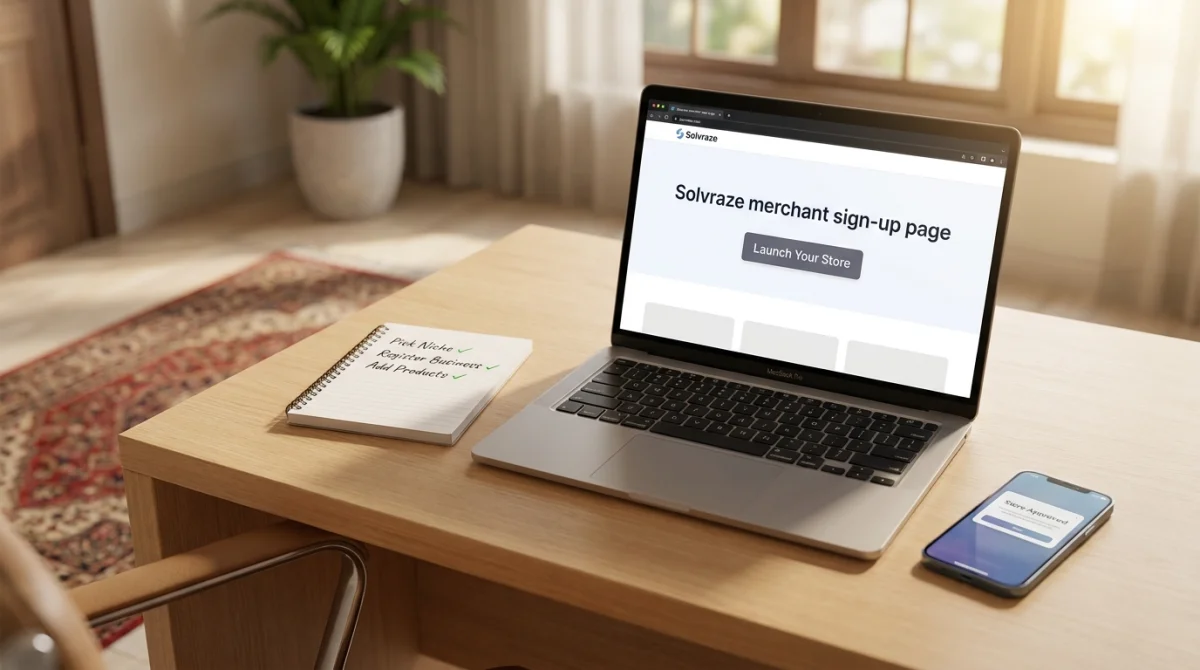
Sign up as a merchant on Solvraze, fill in your store details, upload your logo, and submit your application for approval. Our admin team reviews every application and typically responds within 1–2 business days. Once approved, your store is live at yourstore.solvraze.com — or connect a custom domain you already own.
Step 4 — Add Your Products
Use the merchant dashboard to add products with full details: title, description, price, stock quantity, and high-quality photos. If your products come in different sizes or colors, Solvraze supports full product variations with individual SKUs, stock levels, and variant-specific images.
Step 5 — Set Up Shipping
Define flat-rate or zone-based shipping rules that make sense for your products. Courier integrations with TCS, Leopards, and Trax are coming to Solvraze soon for automated label generation and live tracking.
Step 6 — Start Selling
Share your store link on WhatsApp, Instagram, and Facebook. Run a launch discount using Solvraze's built-in coupon system to attract your first customers. Monitor sales and customer behavior right from your dashboard.
Starting is the hardest part — everything else gets easier once your first order comes in. Join thousands of Pakistani merchants already building their businesses on Solvraze.